


For my latest Tableau dashboard, I sourced data from a platform called iNaturalist, where users upload images and observations of wildlife they encounter. To keep the dataset manageable, I filtered the records to include only observations from London between 2024 and 2025.
While exploring the dataset, I noticed a field containing image URLs. In this post, I’ll walk through how I used these images in Tableau, the challenges I encountered and the value they added to the final dashboard.
How I Used Image URLs in My Project
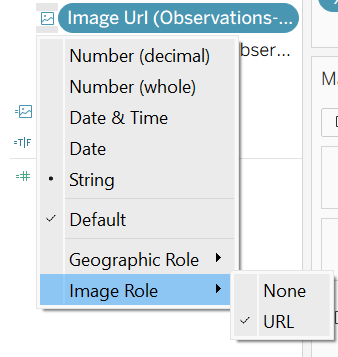
The first step in Tableau was to set the image field to: Image URL.
Each row in the dataset represents a single observation, most of which include an associated image URL (with a few null values). As a result, each species is linked to multiple images, since there are often several observations for the same species.
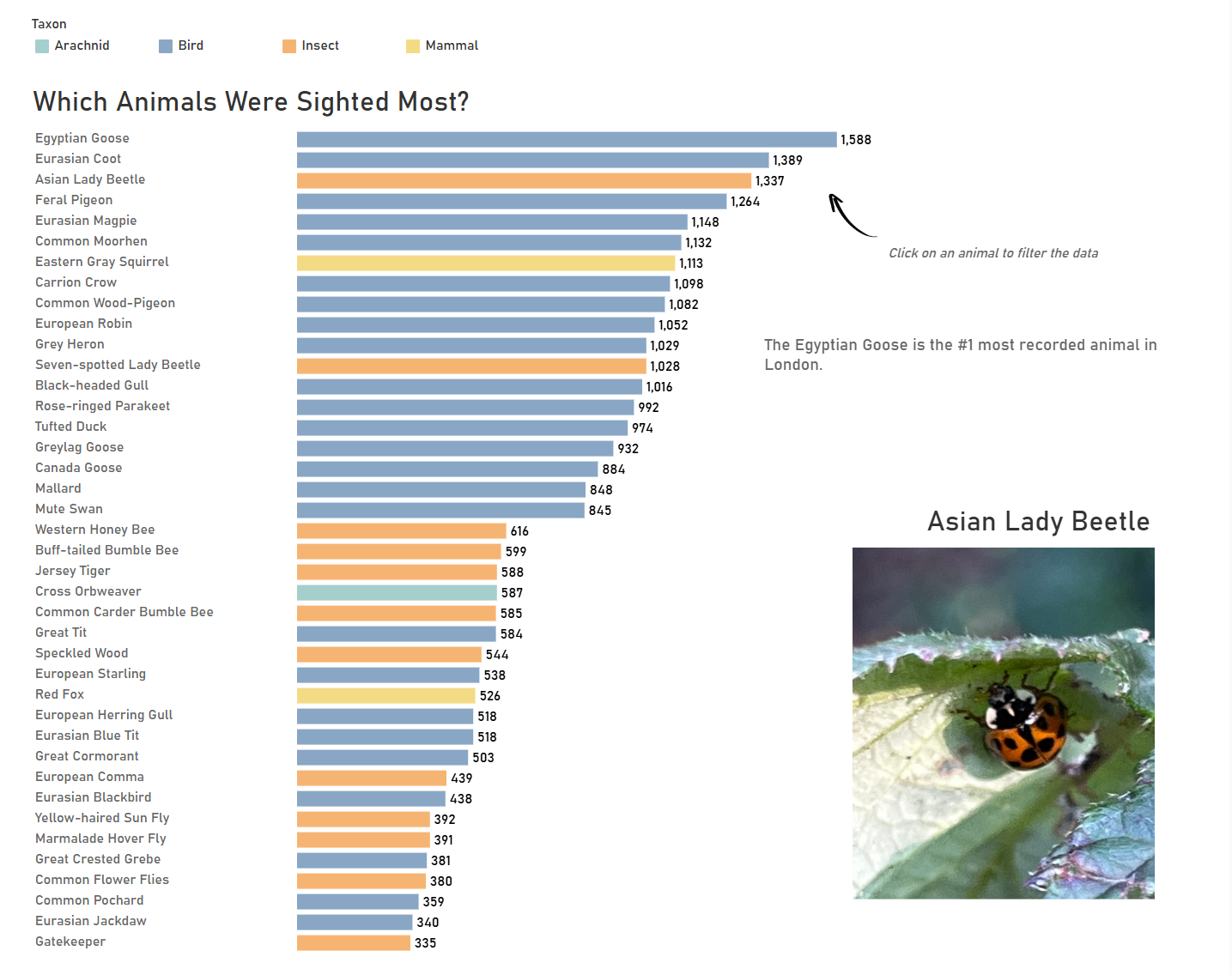
Rather than displaying all images at once, I designed the dashboard so that selecting a species filters the data and dynamically displays a single, large image of that species. This creates a much more immersive experience especially when a user who is not familiar with species names.
Challenges I Faced
Working with image URLs in Tableau was more restrictive than expected. Some of the challenges included:
- Broken or unreliable image links
- Inconsistent image sizes and aspect ratios
- Performance issues when loading multiple images simultaneously
- Tableau requiring images to be displayed alongside text
To work around the final limitation, I formatted the accompanying text to match the dashboard background (e.g. white text on a white background), hiding it from view.
Although Tableau’s Image URL functionality is limited, it still adds a valuable visual dimension to a dashboard and enhances overall user engagement.