


This guide will show you how to get a copy of the underlying data of your Tableau Packaged Workbook when you don’t have access to the original data source.
You may be familiar with the fact that Tableau workbooks save the sheet and dashboard build/configuration without an embedded copy of the data. If you were to send a copy of your workbook to someone without the data source, they wouldn’t be able to see the charts you’ve built because there would physically be no data to populate them.
Tableau TWBX files are different in that it saves a static copy of the data source along with the workbook itself.
Good news is: if you're working with a .twbx file, its possible to pull out this static data file, in cases where you would want to see and potentially manipulate the data before plugging it back into the workbook. Lets get started.
A .twbx file is essentially a zip file of a tableau workbook and a data file.
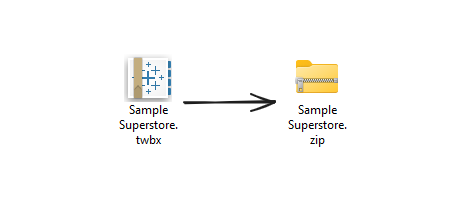
The twbx extention just tells Tableau Desktop how to interpret that particular file, but if we were to rename the extension of a workbook from .twbx to .zip, we can use a file decompressor to unzip the packaged workbook.
This is what it would look like inside:
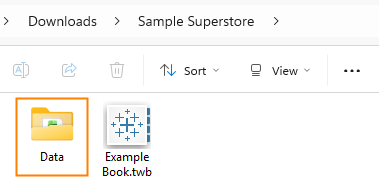
Navigate to the Data folder:
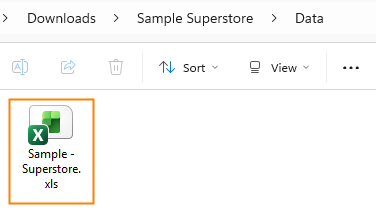
Now you know how to extract data from a .twbx file. Use wisely and happy downloading!