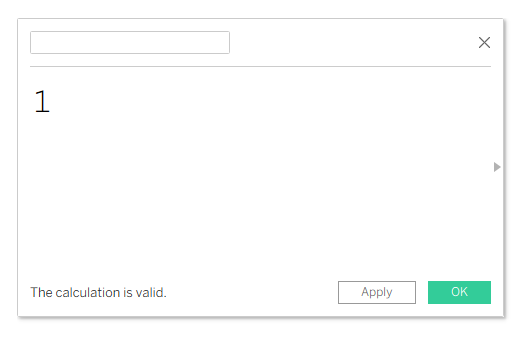
When creating a calculated field in Tableau, you must give the field a name. Tableau won't allow a blank name, and even entering a space will result in an error.

A simple workaround is to use the Hangul Filler character:
(ㅤ)
Copy the character between the parentheses and use it as the calculated field name. Tableau will accept it, and the field name will appear blank.
Why would you do this?
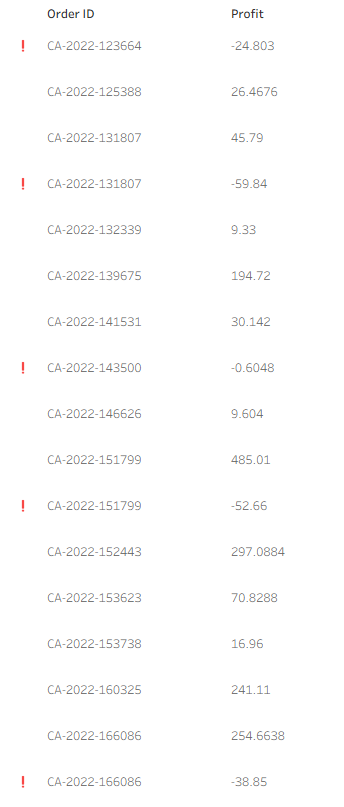
This trick is useful when you want to hide the label for a specific field without affecting other field labels in a chart or table. Instead of removing all labels, you can make just one field name appear empty while keeping the rest visible.
Here is an example in Sample Superstore.
Calculated field:
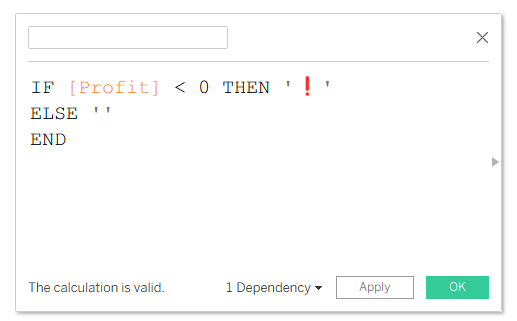
Table: